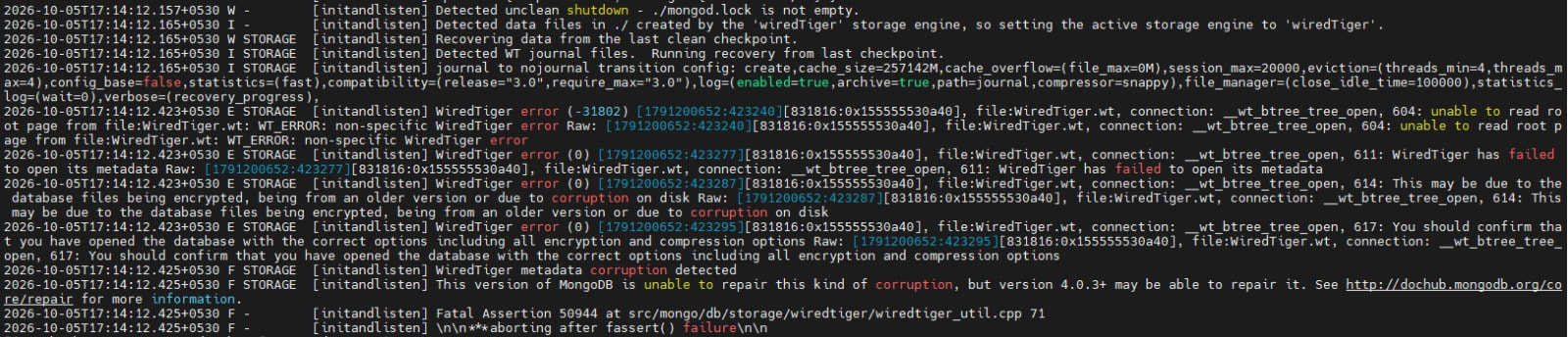
I am using cryosparc 4.7 version. When I tried to open Cryosparc, it displayed an error. When I restarted cryosparc using ‘cryosparcm start’, it did not start. So we checked, and it showed the database was corrupted. Kindly suggest a way to fix this without losing any data.
Welcome to the forum @ashwin.
Please can you provide some additional information:
What led to the unclean shutdown mentioned in the log?
Has the CryoSPARC software ever been updated after the initial installation?
Did the CryoSPARC instance function normally after the latest software update and before you observed the error?
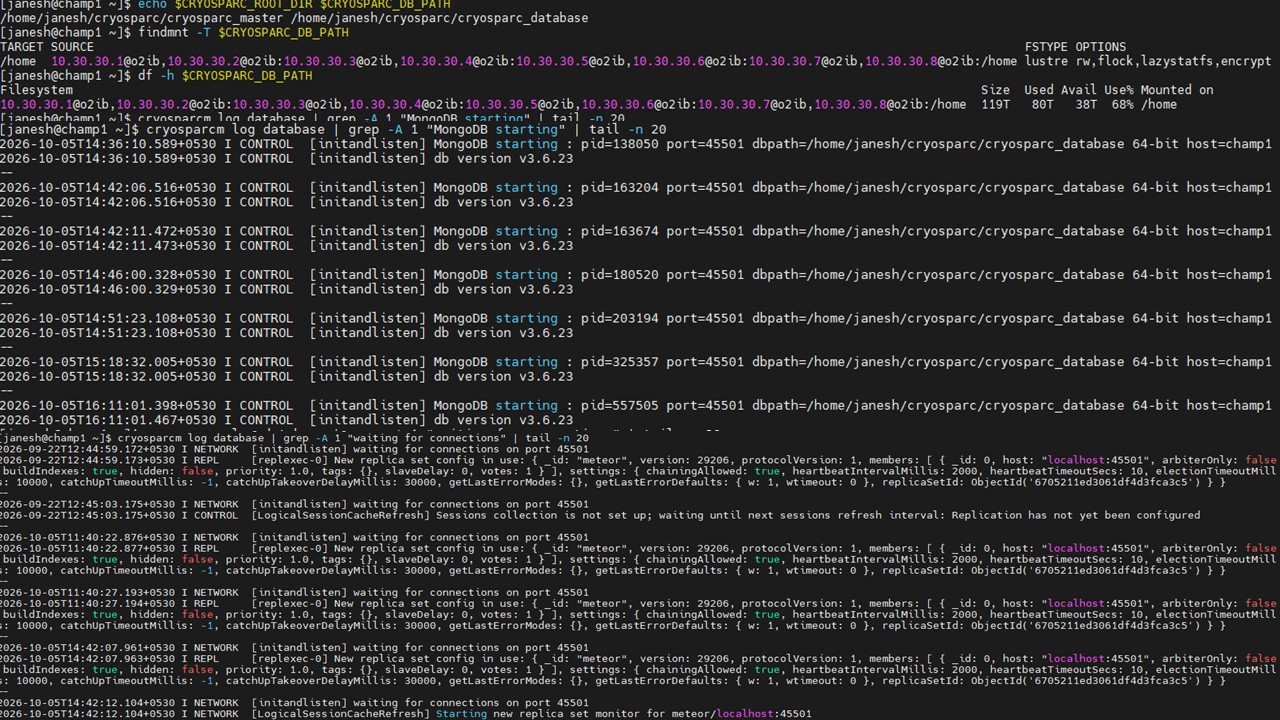
The following commands might help clarify what is wrong with the database (and how to best fix the problem). You should run these commands in a fresh Linux shell on the CryoSPARC master computer (and, to avoid unintionally running other commands in that special environment, close that shell after recording the outputs)
# ensure fresh shell
eval $(cryosparcm env)
echo $CRYOSPARC_ROOT_DIR $CRYOSPARC_DB_PATH
findmnt -T $CRYOSPARC_DB_PATH
df -h $CRYOSPARC_DB_PATH
cryosparcm log database | grep  -A 1 "MongoDB starting" | tail -n 20
cryosparcm log database | grep "waiting for connections" | tail -n 20
# record outputs above and close shell
exit
Please post any error messages and command outputs as text, to improve search results for other forum users.
@ashwin Thanks for running these commands. Please can you post terminal outputs as (searchable) text instead of screenshots and provide as much of the other information requested
as possible.
In addition, please can you email us the tgz file created with the command cryosparcm snaplogs. I will send you a PM with the email address.