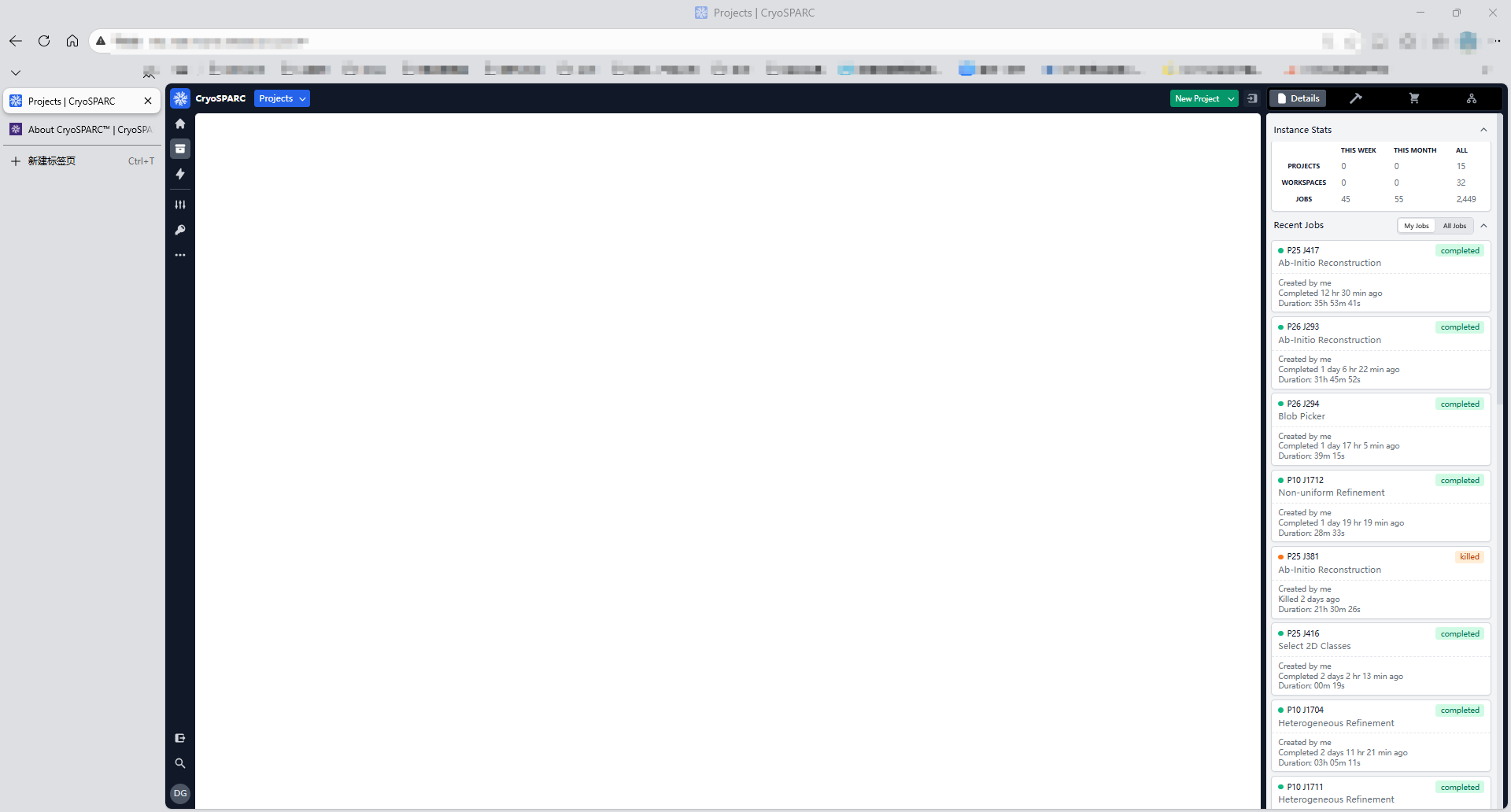
I’m having an issue where the project section appears completely empty when I open CryoSPARC in my browser, as shown in the screenshot.
I’m connected to our lab’s server, and I can access and control the server properly through remote tools. Other people’s computers can load the project interface without problems, but my laptop suddenly can’t display anything—even after re-logging in. Any ideas what might be causing this?
PS: This happened after I completely shut down and restarted my laptop. All other websites are working normally.
Hi @hai , sorry to hear you’re not able to connect to the app. This seems to be isolated and may be a glitch with your browser and/or cache. First, I’d ensure you’re running an up-to-date version of your browser and hard refreshing (usually command + shift + r). If that doesn’t resolve the issue, please can record Console and Networkbrowser debugging information. When recording the Networkhar file, please
Reload the UI page
Try clicking around the app, for example to the ‘all projects’ page
Please email us the compressedconsole.log and network har files and notes, along with a link to this forum topic. I will send you a direct message with the email address.
Actually, I’m not entirely sure what caused the issue. The page kept failing to load, but after I switched my laptop’s graphics card to the dedicated GPU (3050), it started working normally. During the period when the page wouldn’t open, the system was using the integrated graphics.
(Note: I had always used the dedicated GPU before, but after my laptop was powered off last week, the system might have defaulted to the integrated graphics. Switching back to the dedicated GPU allowed the page to open properly. However, while using the integrated graphics, I found that I could open cryosparc using the browser’s incognito mode.)