Hi guys,
I deleted the old cryosparc and reinstalled it with another computer, installation is successfull and I can access to the web interface. but once I build job like import movies, lt shows up one error at the left corner. Do you have any idea what is going on with this?
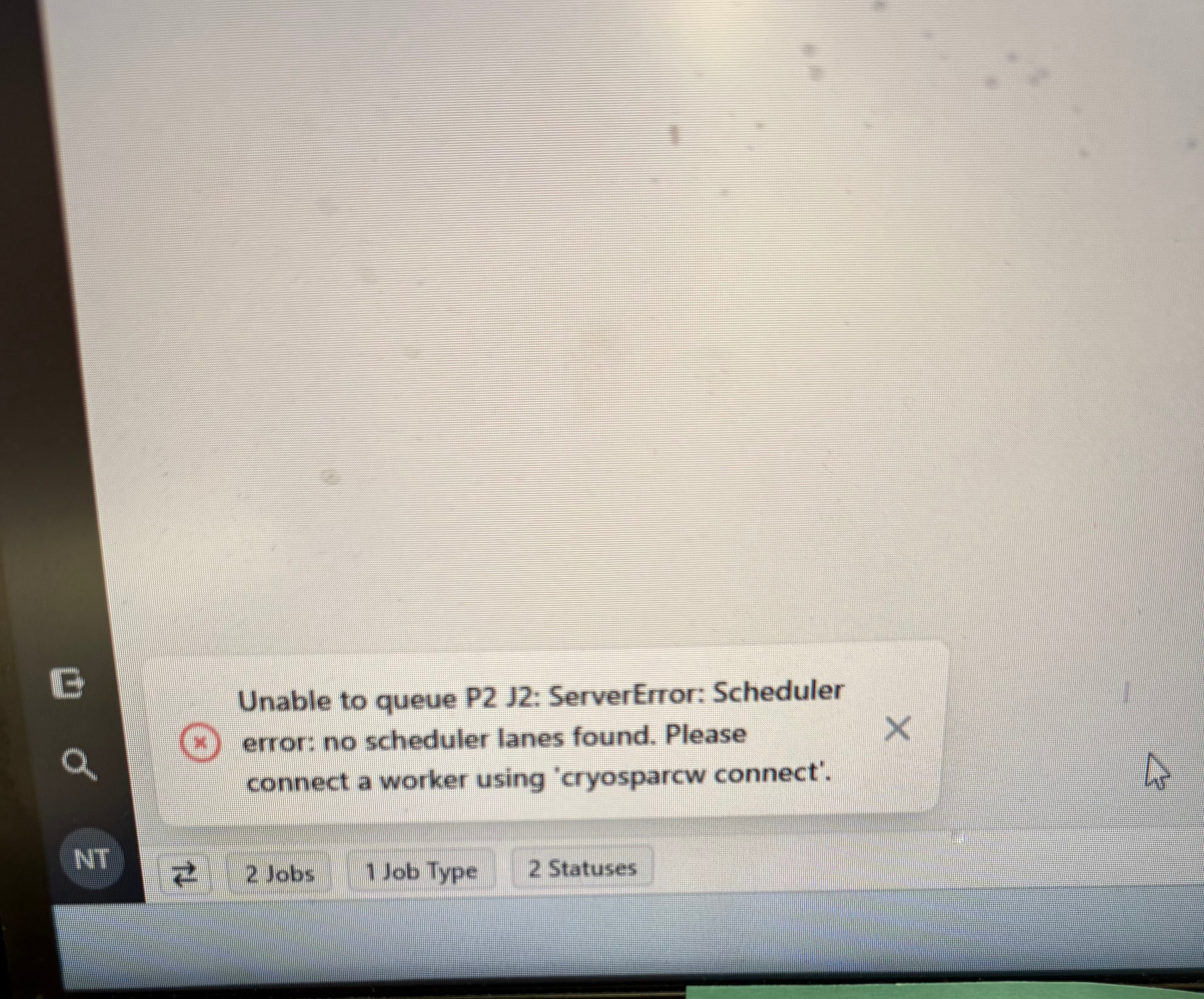
Unless the cryosparc_master/install.sh --standalone option applies and was used, one needs to connect a node-type or cluster-type worker lane.
Thank you for reply. I did use --standalone in the command, please check these commands below. everything looks good, I am so confused about this error
./install.sh --standalone
–license “xxxx”
–worker_path /user/homes/xxx/cryosparc/cryosparc_master –ssdpath /scr/xxx
–initial_email “xxx”
–initial_username “xxx”
–initial_firstname “xxx”
–initial_lastname “xxx”
–port xxxx
–initial_password “xxxx”
install worker:
./install.sh --license “xxx”
connect master to worker:
/bin/cryosparcw connect --worker xxxx --master xxx –port xxx –ssdpath /scr/xxx –gpus 0,1,2,3,4
@zcp You are correct: the command above should implicitly take care of
- creation of the first user
- finalization of
cryosparc_worker/ cryosparcw connectfor the combined master/worker host
under normal circumstances. A separate cryosparcw connect would then only be needed for additional worker hosts.
It is possible that, for some reason, some of the implicit steps failed.
May I ask for
- The outputs of these commands on the master host:
hostname -f host $(hostname -f) cryosparcm listusers cryosparcm "get_scheduler_targets()" - In case the
cryosparcm "get_scheduler_targets()"command, above, produced[], what was the output of thecryosparcw connectcommand?
I rechecked commands I put, I find I made a big mistake(worker_path /xxxx/xxx/xxx/cryosparc_master, it should be cryosparc_worker). it is runing well now. appreciate it for your troubleshooting.
1 Like