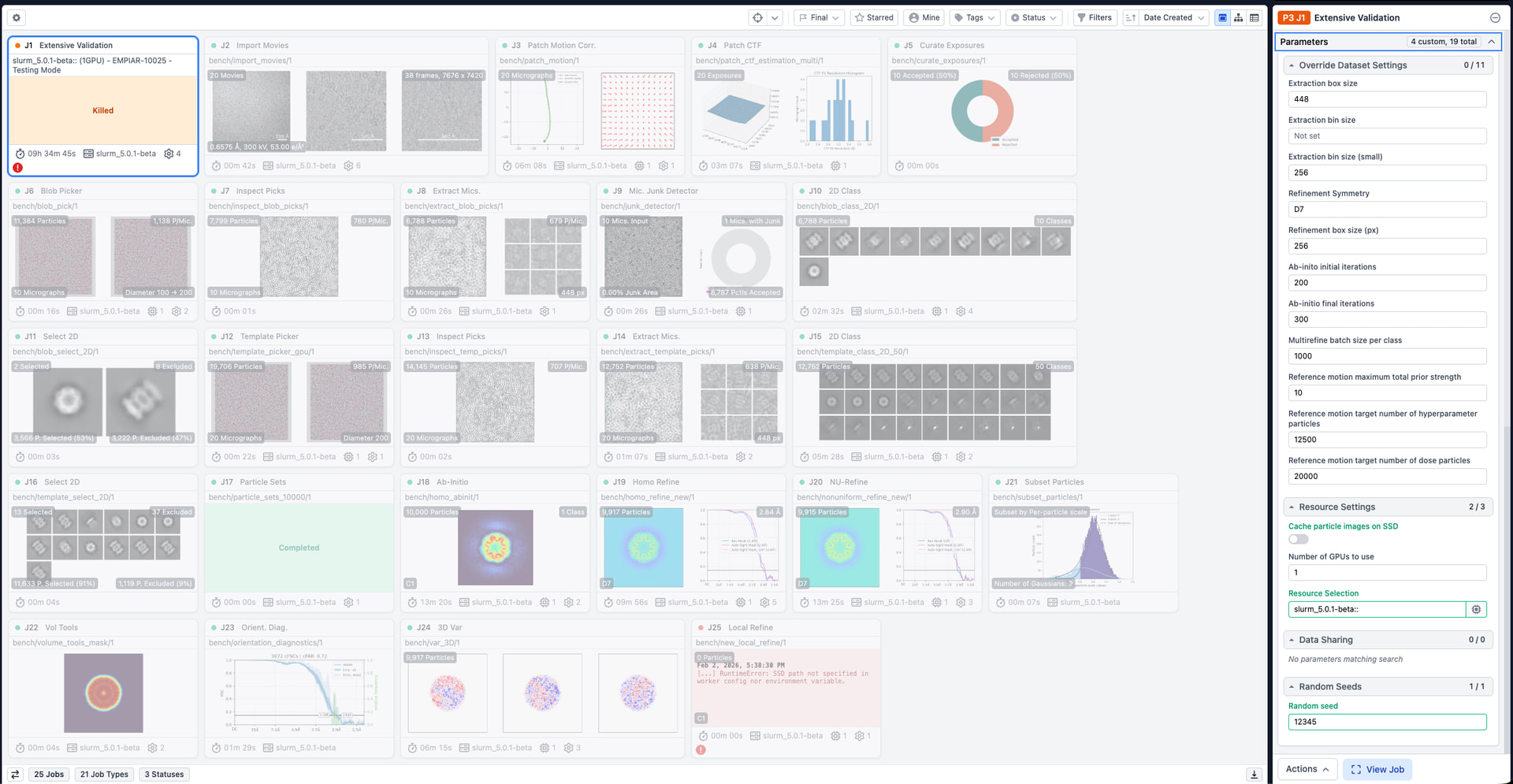
Wondering if there is a way to disable the toggles for SSD cache by default in the UI when the only lane is a cluster with workers. When I ran the Extensive validation, some jobs failed because an SSD path was not specified in the cluster info. We do not require this specified as everything is running on NVMe already.
Will test by specifying a resource before launching the validation.
Thanks @vatese for these details. We have identified the likely cause and plan to fix the problem in a future release.
The problem is specific to local refinement jobs that are launched within Extensive Validation. Local refinement jobs outside Extensive Validation should run according the respective job’s Cache particle images on SSD setting.