We’ve been using Cryosparc Live for only a few months and are currently on version 4.7.1. Outside of Cryosparc, we run a cron job to delete files older than 14 days which are related to data collection and on-the-fly processing. This includes deleting raw micrographs and Cryosparc Live files. This ensures there is enough space available when users start a new collection and minimizes the manual intervention required by facility staff.
I guess this results in Cryosparc projects which can’t be deleted in the web interface if users don’t detach projects themselves. I assume thumbnails and other metadata still reside in the Cryosparc database.
What’s the best strategy to deal with this? I tried deleting all files older than 14 days except the cs.lock file, but I still can’t fully remove old projects.
OS-level modifications of CryoSPARC project directories initiated outside CryoSPARC are likely to disrupt CryoSPARC function.
CryoSPARC provides a data cleanup tool for use with attached CryoSPARC project directories. CryoSPARC Live sessions can be compacted. In CryoSPARC v5, data cleanup and Live compaction can be initiated via the CLI, using the ProjectsAPI.cleanup_data() and SessionsAPI.compact_session() functions, respectively.
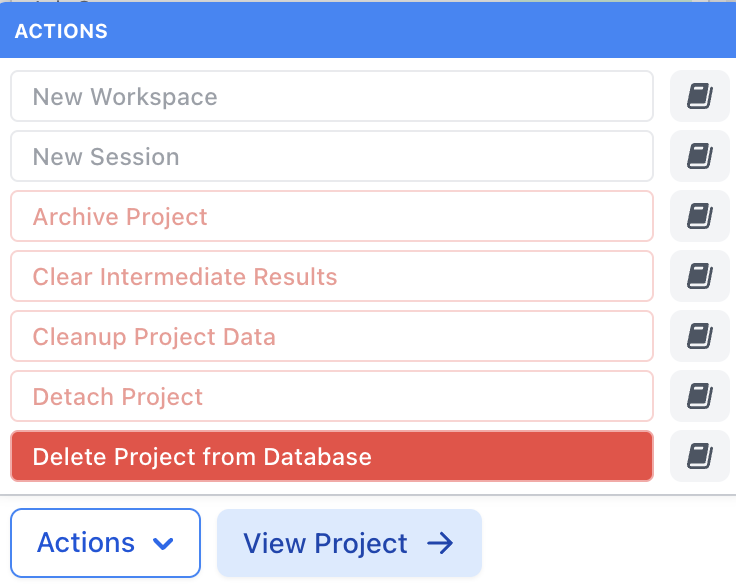
Project records such as thumbnails can be removed from the database afterdetaching a project, with the Delete Project from Database.
It may be best to create an incentive for facility users to manage (via cleanup tool, project detachment, deletion from database) their own CryoSPARC projects. Alternatively, project management actions may be performed by a CryoSPARC user with the Admin role.
In case you are specifically interested in deleting a project whose project directory has been mangled by external (to CryoSPARC) file deletions, you may:
Use a low-level database query to mark the project as detached (not a full substitute for the Detach Project data management action):
cryosparcm icli # from Linux shell to CryoSPARC low-level CLI
project_uid = 'P999' # need to substitute actual ID
db.projects.update_one({'uid': project_uid}, {'$set': {'detached': True}})
db.projects.find_one({'uid': project_uid}, {'uid': 1, 'project_dir': 1})
exit() # back to Linux shell
Note that this 3-step sequence is intended specifically for the deletion of a CryoSPARC project with a degraded project directory, not as a routine data management procedure.