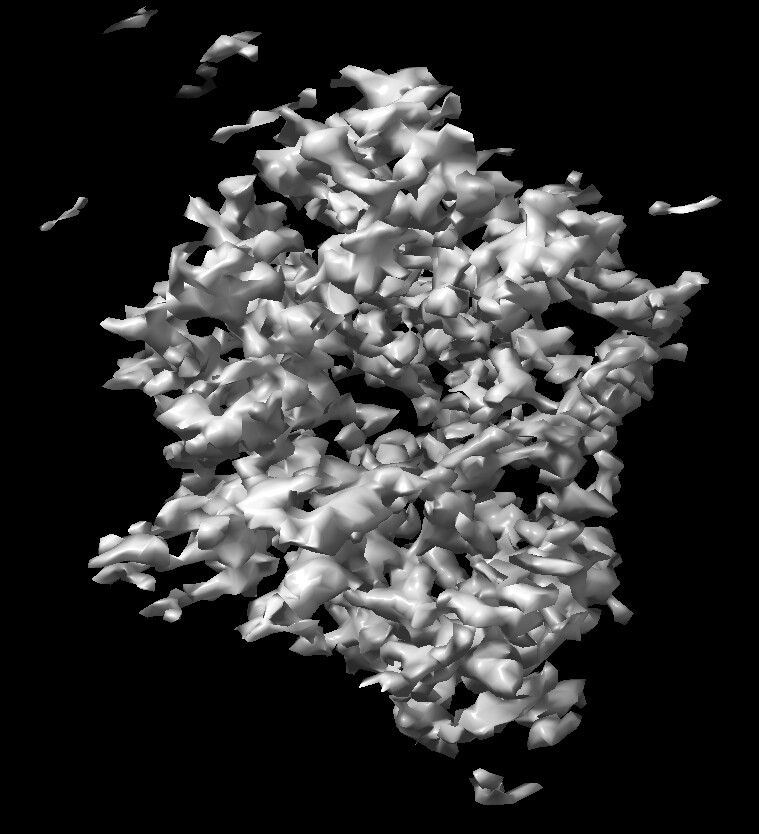
I’m trying to do particle reconstruction in cryosparc. I ran 3D Variability Display job, the output seems has a lot of sparse densities (shown in below). I suspect many low-defocus particles were included—they exhibit weak contrast and resemble white noise.
So I want to filter particles above a certain defocus value, how can I achieve this only with selected particles?
Edit: I tried to filter particles by using a python script, convert particles.cs to filtered_particles.cs, but the Import Particle Stack job does not support .cs format.
You can also use subset particles by statistic. How low defocus are you talking though? I would be a little surprised if this is the actual reason why your density looks this way though- perhaps you can describe a little more about your workflow and problem?
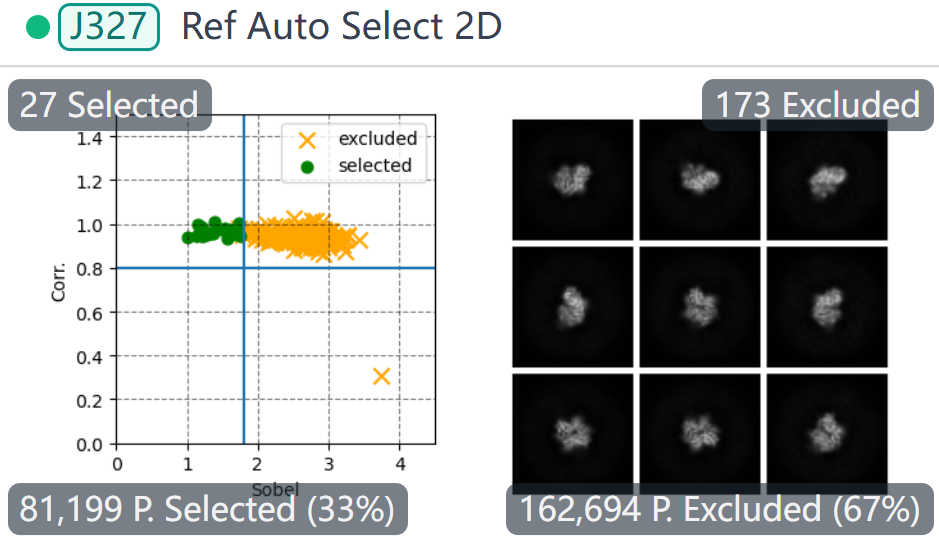
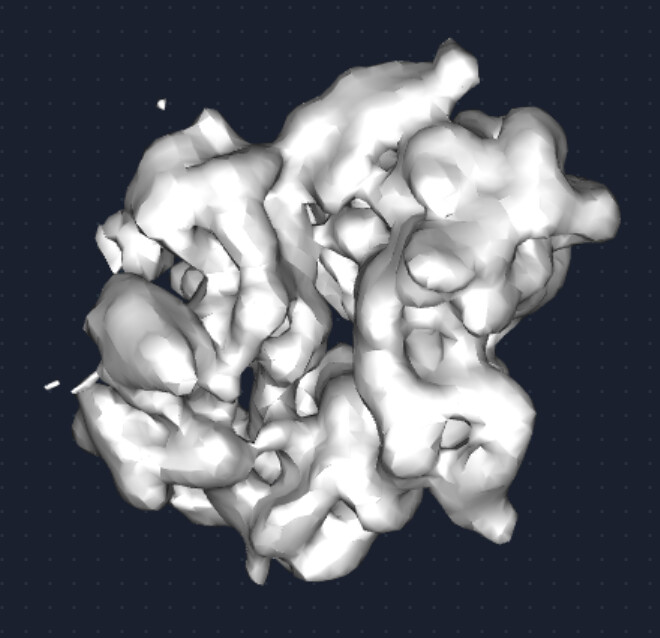
Ab-initio reconstruction using 81k particles selected from the 2D-class averages. Two ab-initio classes were requested, with a maximum resolution limit of 4 Å and a Fourier radius step of 0.02; all other parameters were kept at default. The two initial volumes were then subjected to heterogeneous refinement, yielding final reconstructions at 5.65 Å and 5.76 Å resolution. A representative density volume from the better-resolved class is displayed below.
After non-uniform refinement, 3D variability job was carried out with ten principal components. The component maps were subsequently loaded into the 3D Var display job in cluster mode to generate 20 clusters. One of the cluster volume is shown in the top of this post.
The aim of this workflow is to obtain different conformational states.
Thanks for the replay. I tried “manually curate exposures”, assign both particles and micrographs to it, but I get a No such file or directory: ‘/dir/motioncorrected/002674307693244619463_FoilHole_19166697_Data_19125476_7_20241019_002902_Fractions_rigid_traj.npy’.
I accidentally deleted some motion-correction files from the file system, so I have re-run the job.
I don’t know why this could happen.
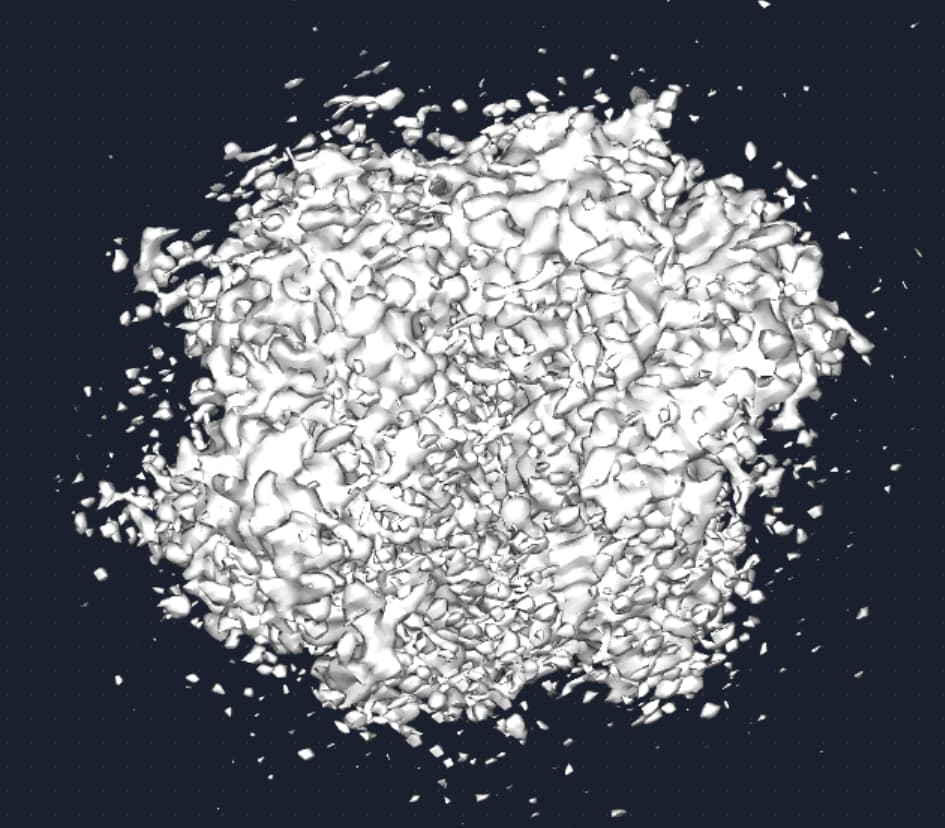
you are showing the final volume at a very low threshold value, so it is hard to see what is going on. If you take it to a higher threshold, do you see clear secondary structure?
At 3.3Å, you should see clear secondary structure, and clear sidechains in the sharpened map. If not, have you run orientation diagnostics or looked at the orientation distribution? Why do you think the defocus spread of your particles is a problem? That is not the first place I would look..
Agree with Oli’s comments. The initial model you show looks reasonable enough, but the “3.3Å” map is thresholded way too low to see anything. If you can’t see distinct main chain and larger side chains, I’d suggest the NU refinement is overfitting.
If the aim is distinguishing different states, I’d suggest extensive heterogeneous refinement…
And in general, starting with 81k particles before trying to do significant sorting will be challenging. If you suspect conformational heterogeneity is the issue you may want to go back and collect a larger dataset. Or at least visit your auto select 2D classes job and see if there are other classes that look like they would be worth keeping.
Sorry for the late reply!
Yeah, the secondary structure is super clear in the map — I first noticed it from the sparse density around the main region from 3DV Display job.
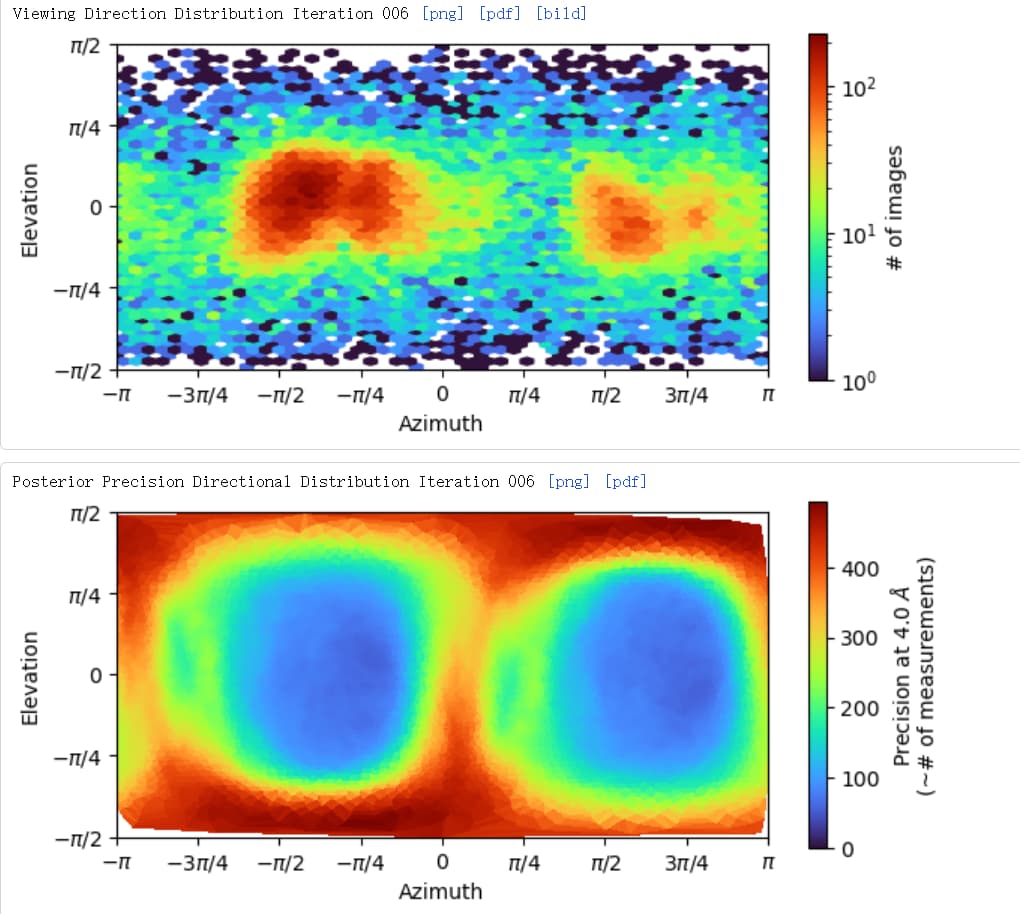
I didn’t run orientation diagnostics, but I saw the direction distribution from both hetero- and NU-refinement.