This would allow one to make sure that they are representative of the dataset (and don’t, for example, include a lot of high contrast junk). Currently I don’t think there is a way to check which micrographs are put aside for training the denoiser? Are they chosen randomly, or just the first e.g. 200?
I’d like to second this (albeit a bit late!)
Hi @olibclarke and @rbs_sci,
Thanks for the feedback! By default, 100 micrographs are chosen randomly for denoiser training. If you wanted, you could query the micrograph dataset based on the field micrograph_blob_non_dw_AB using cs-tools to see which micrographs were used for training. We have found that inclusion of very poor micrographs still produces a good denoising model and we do not expect that the 100 micrographs chosen would include sufficient junk to really throw off the results of micrograph denoising.
In any case, if you wanted to select the mics for denoiser training, you could use curate exposures to select the mics you would like to use, rerun them through Patch Motion Correction to generate the A/B mics for training, and then use the mics from preprocessing and replace the micrograph_blob_non_dw_AB LLI with the new one from the curated mics. This will allow you to control what the denoiser is trained on. We would be curious to see if your results differ significantly from the 100 random micrographs.
Best,
Kye
2 Likes
Thanks @kstachowski 
Right now I’ve got the first dataset I’ve ever had where the pre-trained denoiser does a better job than a self-trained one… I have no time to experiment further with this right now, but want to in future.
1 Like
Hi Kye,
It does seem to make a difference I think - here is our most recent dataset, flicking between one mic denoised using a model trained using the whole random 100, the other is after curation - at least some of the particles (e.g. look in the upper left) are significantly easier to see (and pick) using the latter model..
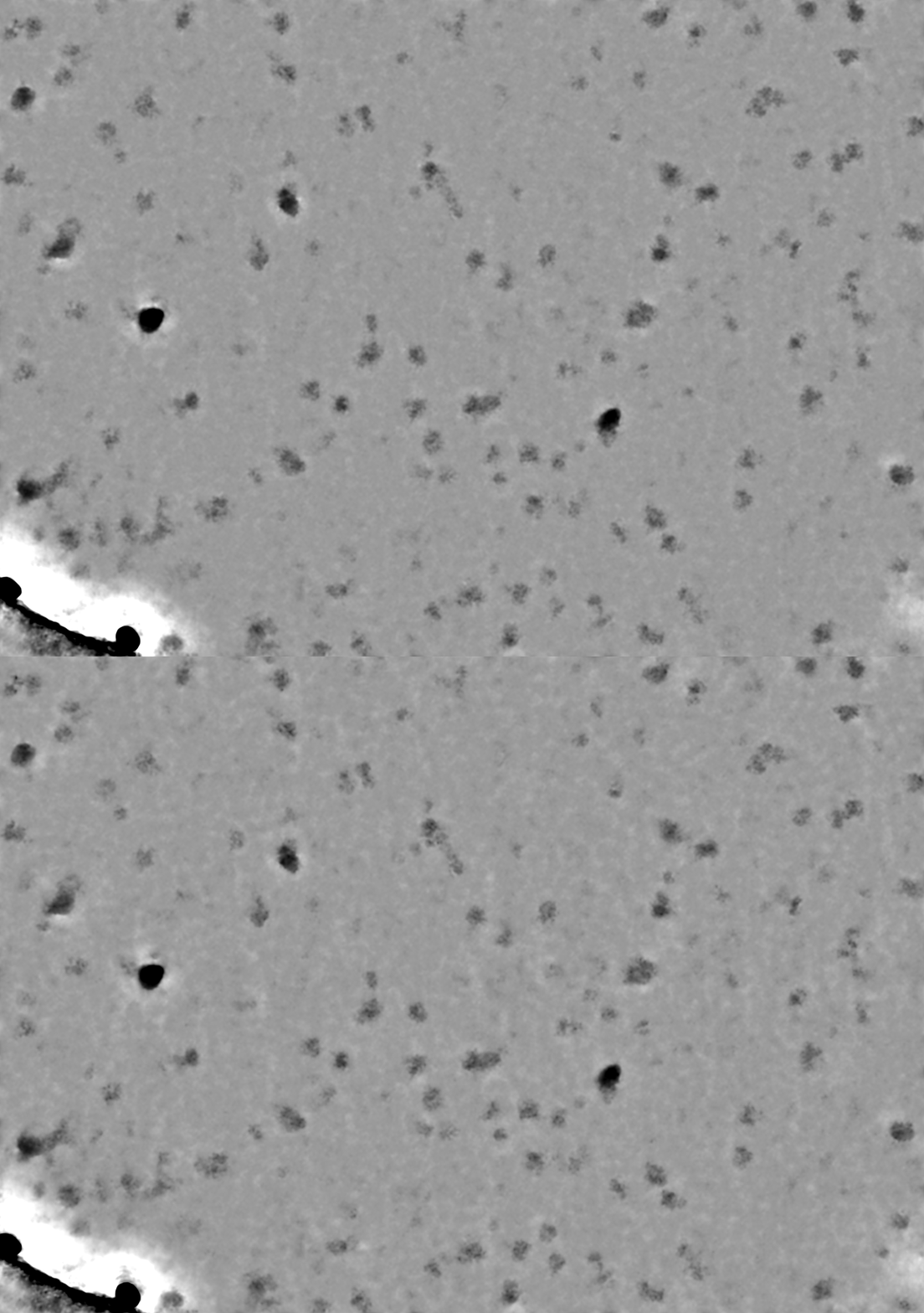
(I haven’t yet checked if using the best movies for training the denoiser helps - that may be worth trying too..)
2 Likes
Actually, it seems more random from training run to training run than related to the composition of training data I think, I don’t see a consistent pattern. But different models, run on the same micrographs, seem to “flatten” different sets of particles.
It makes me wonder if to get the most good picks, it may be worth taking a consensus approach (picking on mics denoised with independently trained models & taking the union)
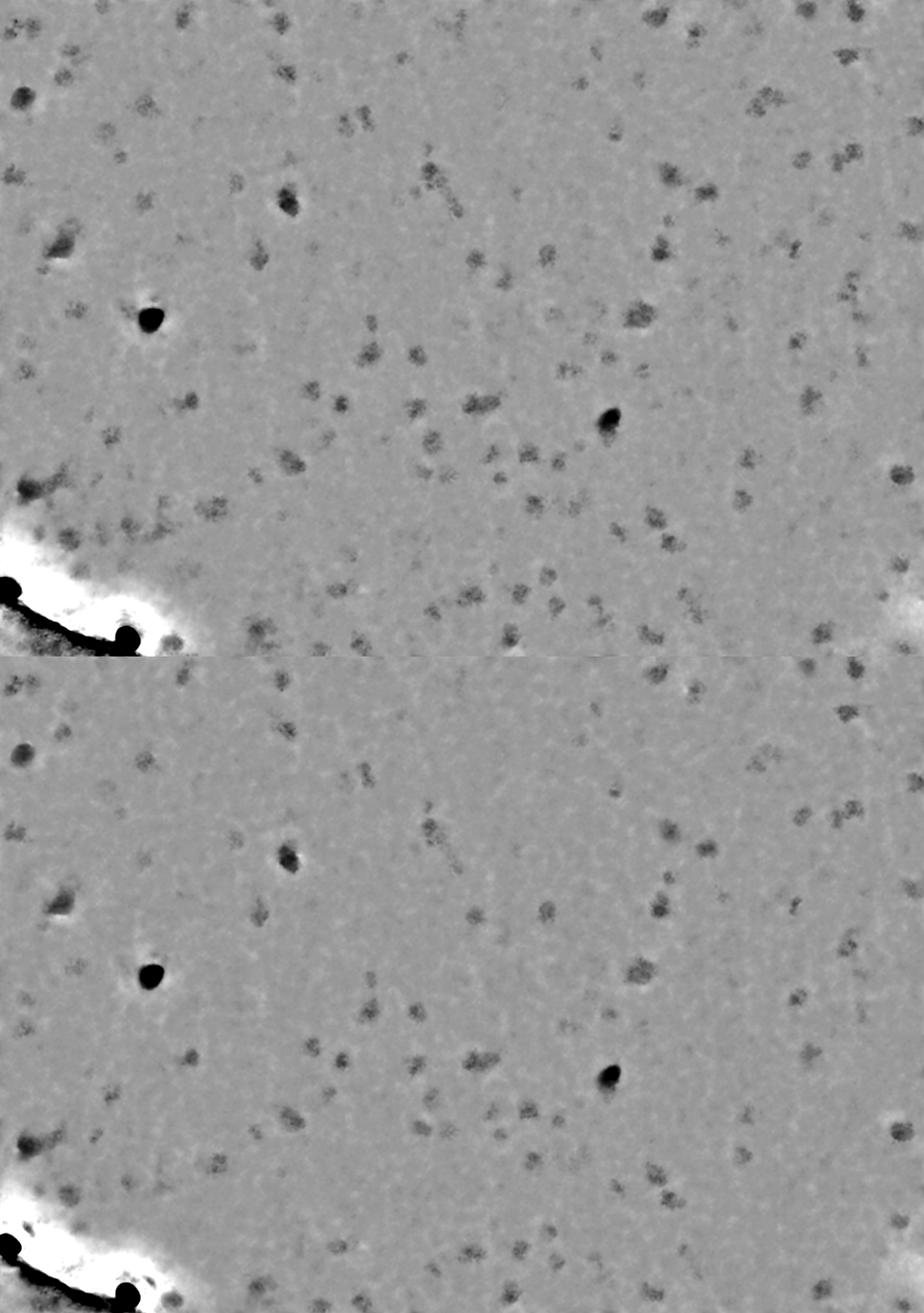
1 Like
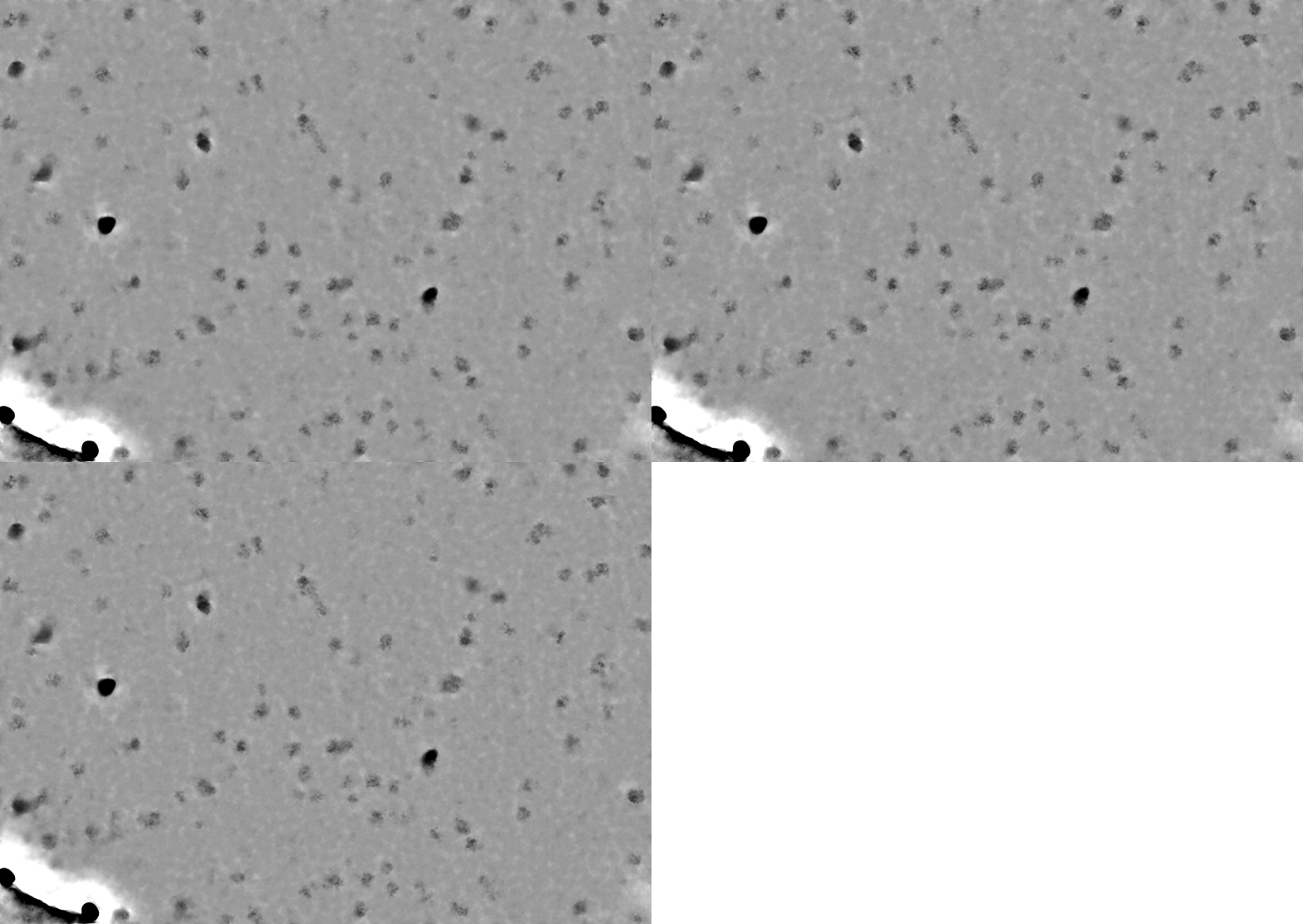
For example, these three were denoised with models trained with identical data - while the overall results are comparable, for individual particles the contrast can vary markedly:
And if you just take the min value at each pixel between the three, you get a better result (labeled after here):
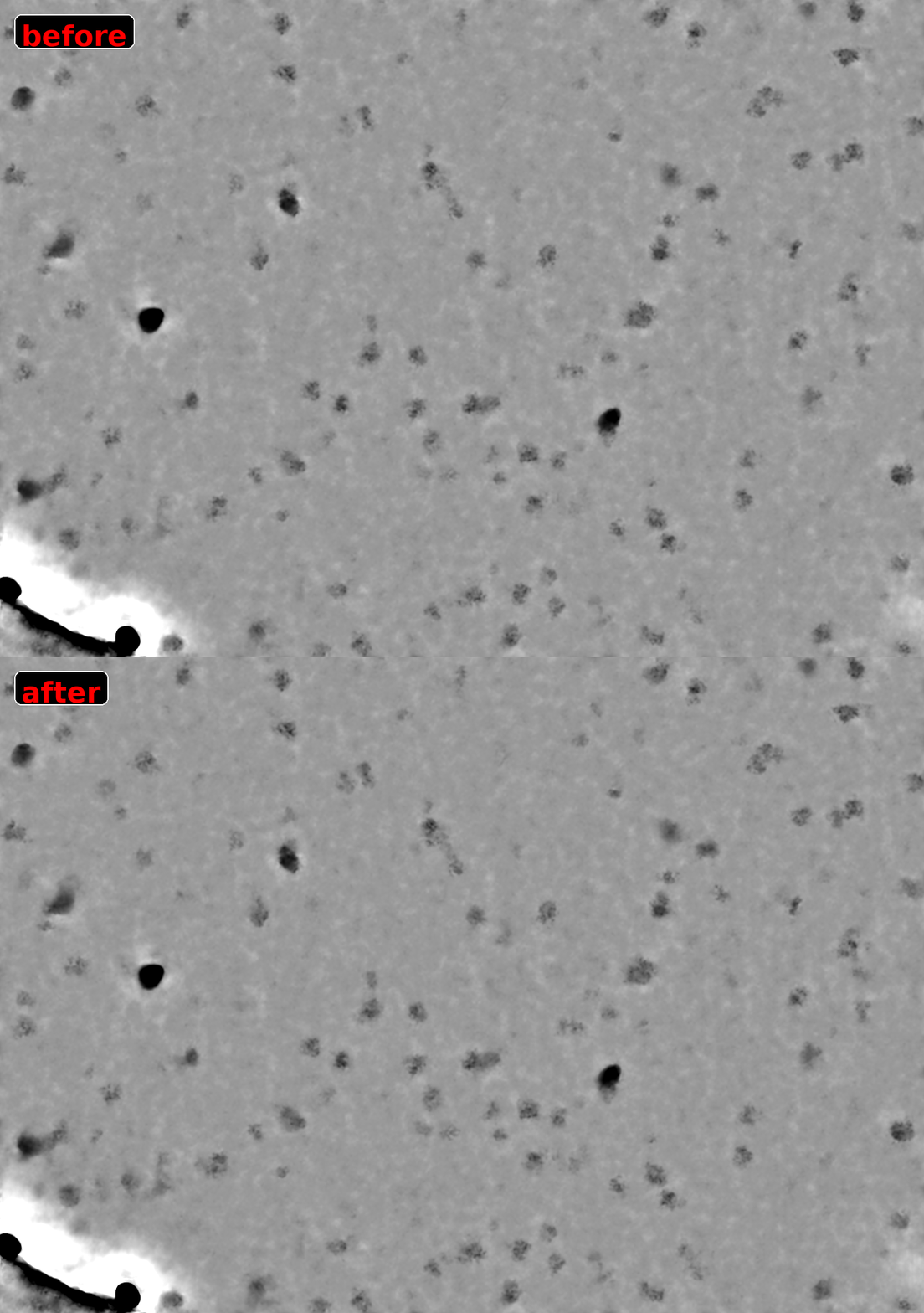
(it should be straightforward to write a CS tools script that does this for an entire set, to generate a consensus of denoisers - perhaps this may be valuable for difficult cases)
EDIT: made a prototype script that does this - consensus of denoising models - will share once tested a bit more if useful
3 Likes
Hi @olibclarke,
Thanks for reporting and please do share your script when you are able to!
Best,
Kye
1 Like
Hi Kye,
Here is the current version - still needs a bit of cleaning up for general use, but it works:
4 Likes
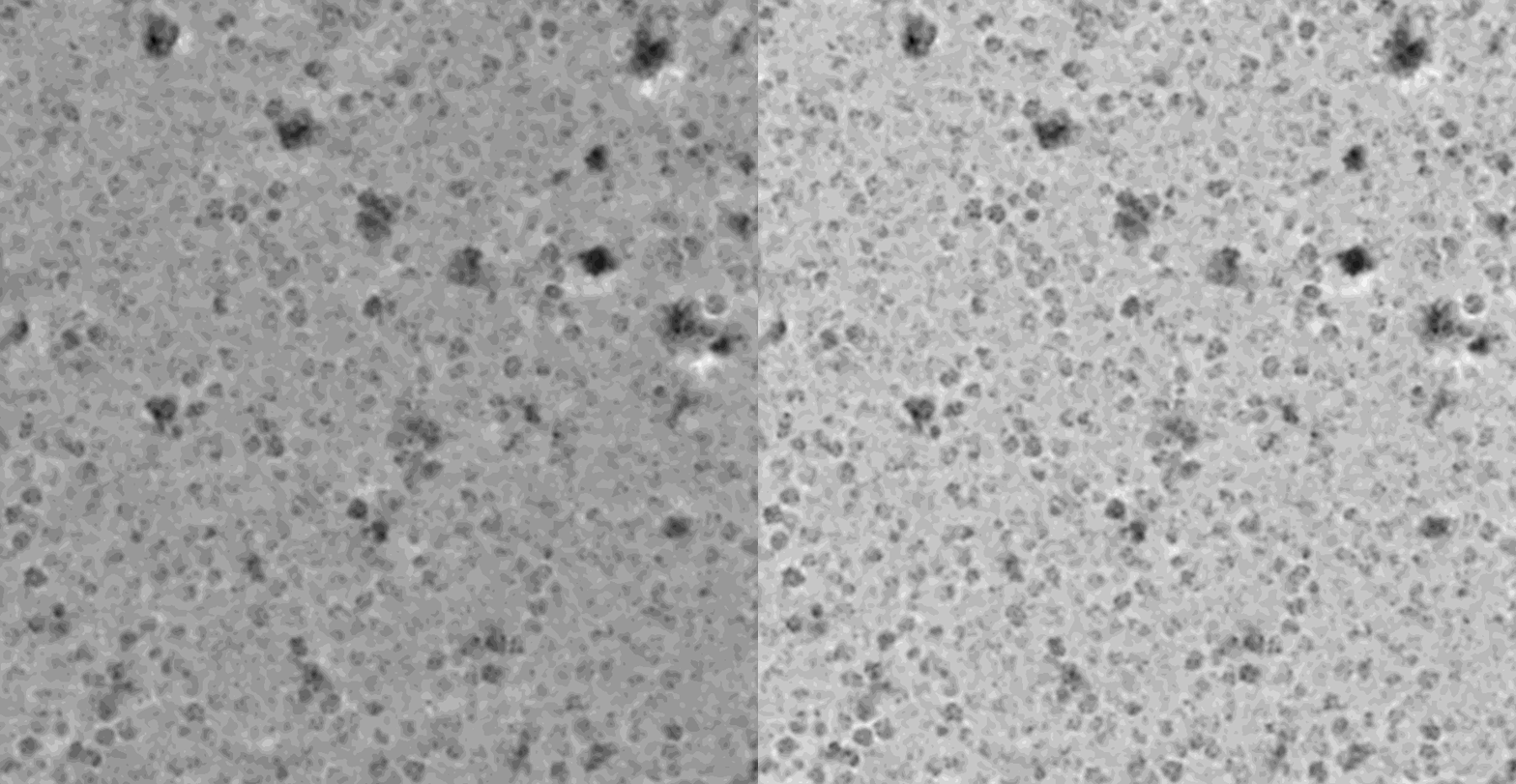
More dramatic example (consensus of five indpendent models compared to one):
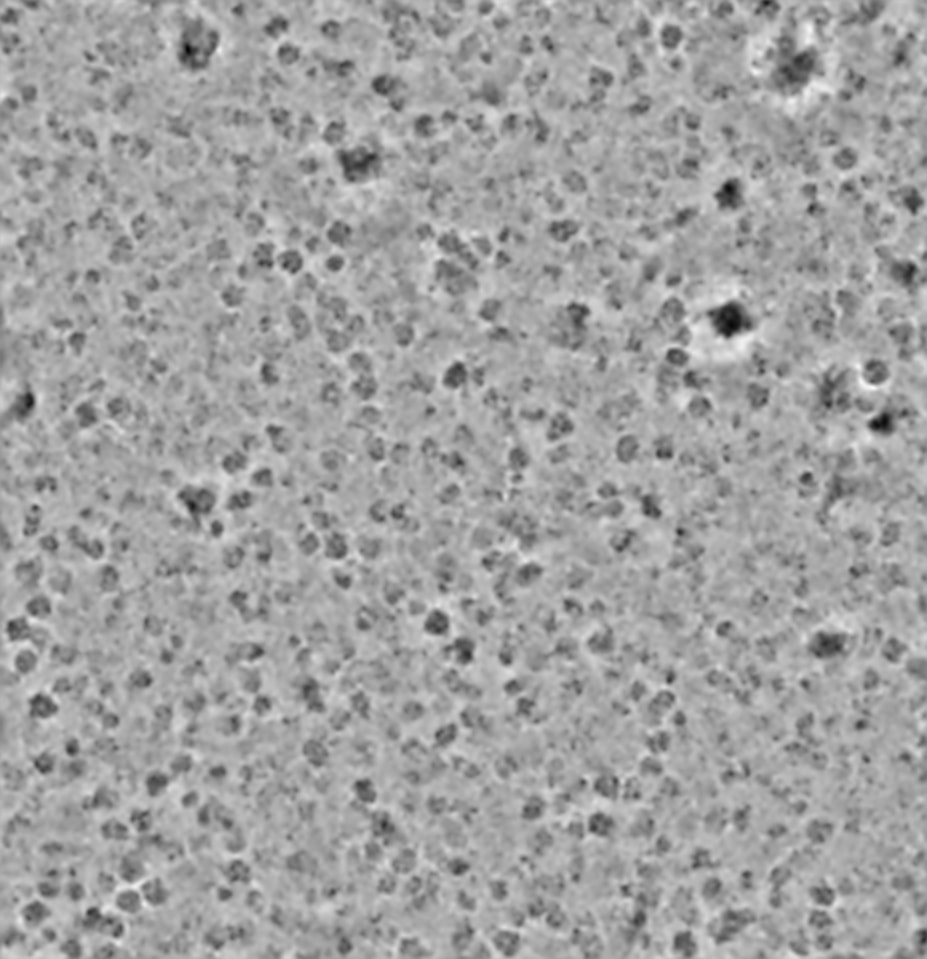
Applying a highpass filter (200Å) to each before calculating the consensus helps even a little more:
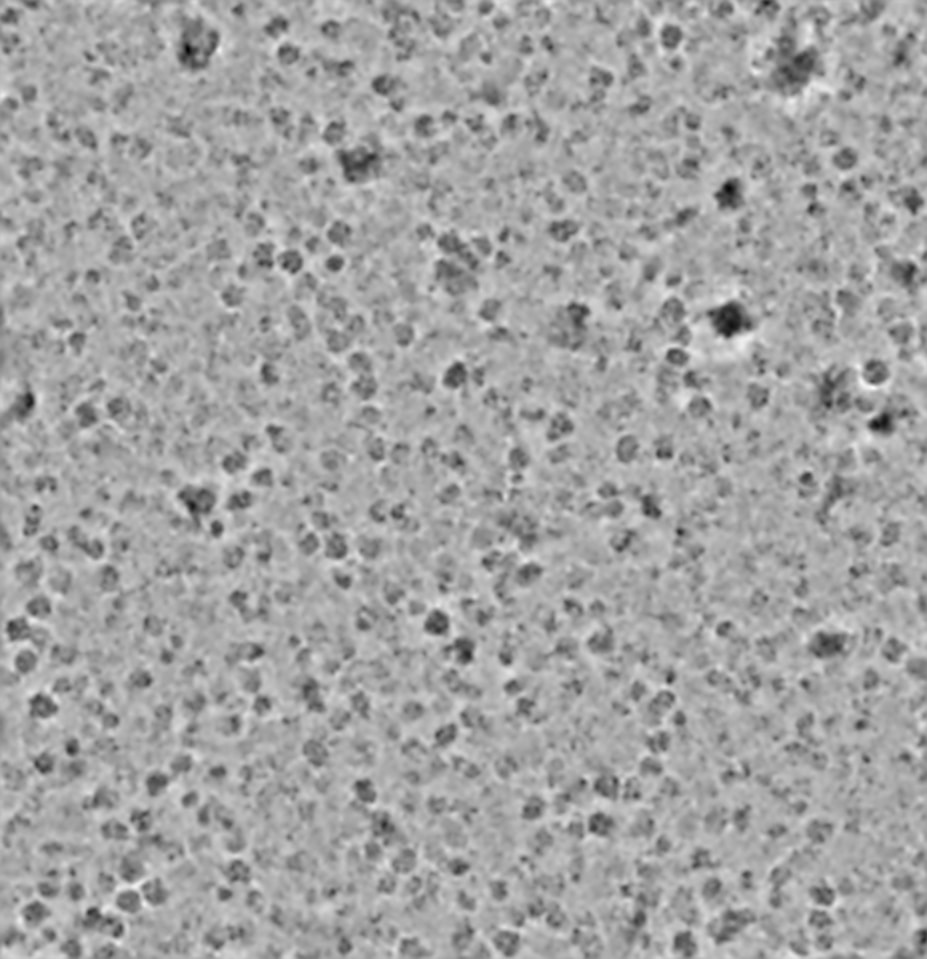
EDIT: improved using a Gaussian highpass (less ringing around junk):
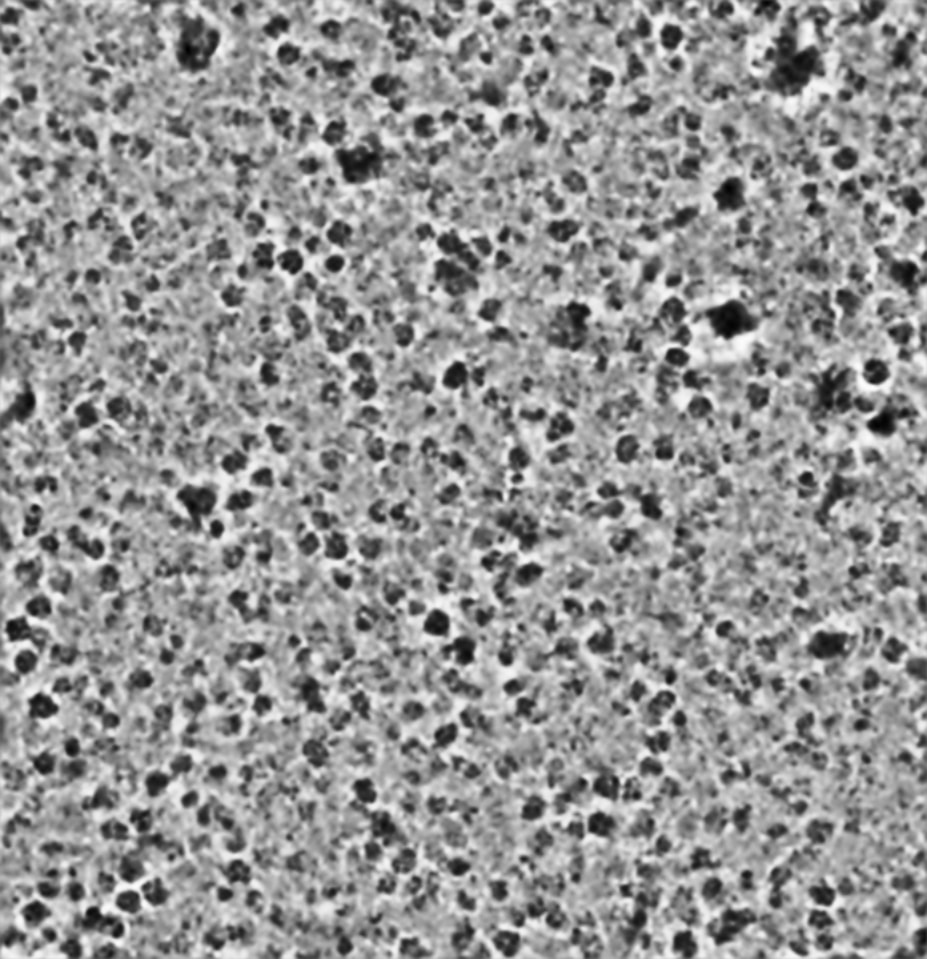
And optional local contrast enhancement:
Slightly more polished version:
Can run as e.g. python3 consensus_denoise_mod.py P15 W1 J4 J271 J272 J273 J274 (where the jobs are the denoise jobs you want to calculate the consensus from), and takes an optional --highpass argument which will apply a highpass filter (default 200Å if not specified) to the denoised mics before calculating the consensus. The script assumes that the user has an instance_info.json file in the home dir, and has a couple of dependencies (mrcfile, scipy, numpy).
Cheers
Oli
1 Like
Another example:
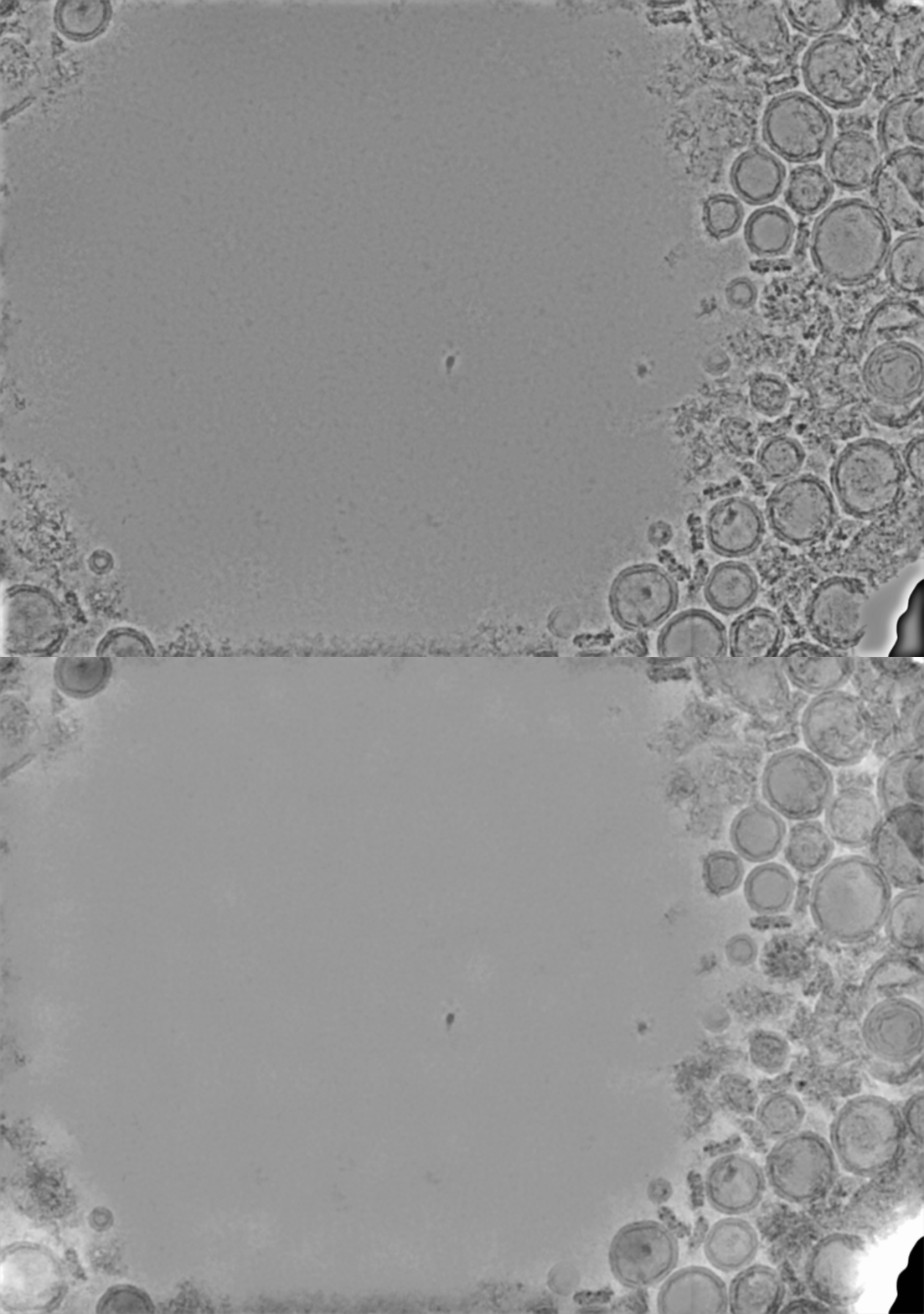
(single denoise run vs consensus of 5 with 200Å highpass and local contrast enhancement)
Put this on github here:
2 Likes