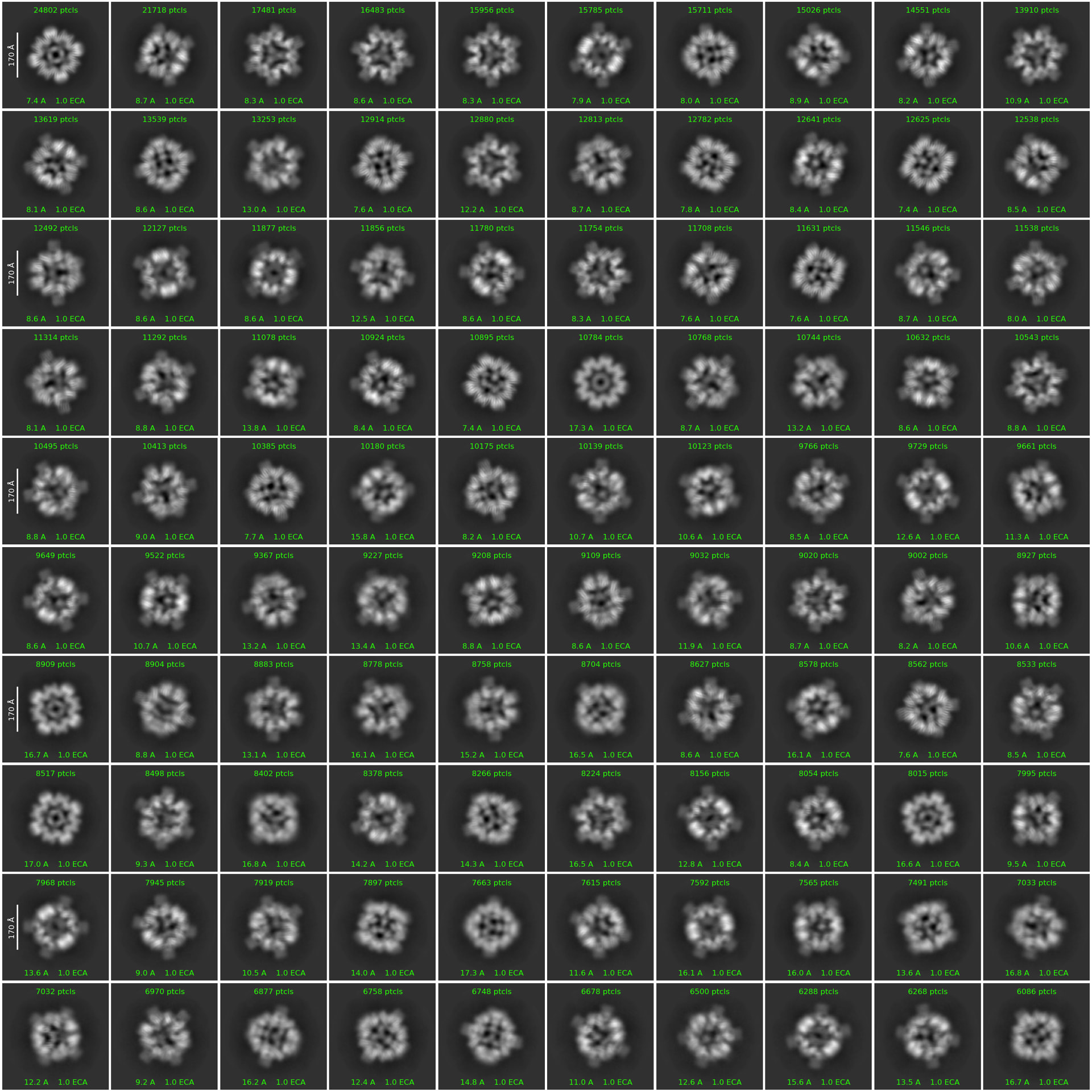
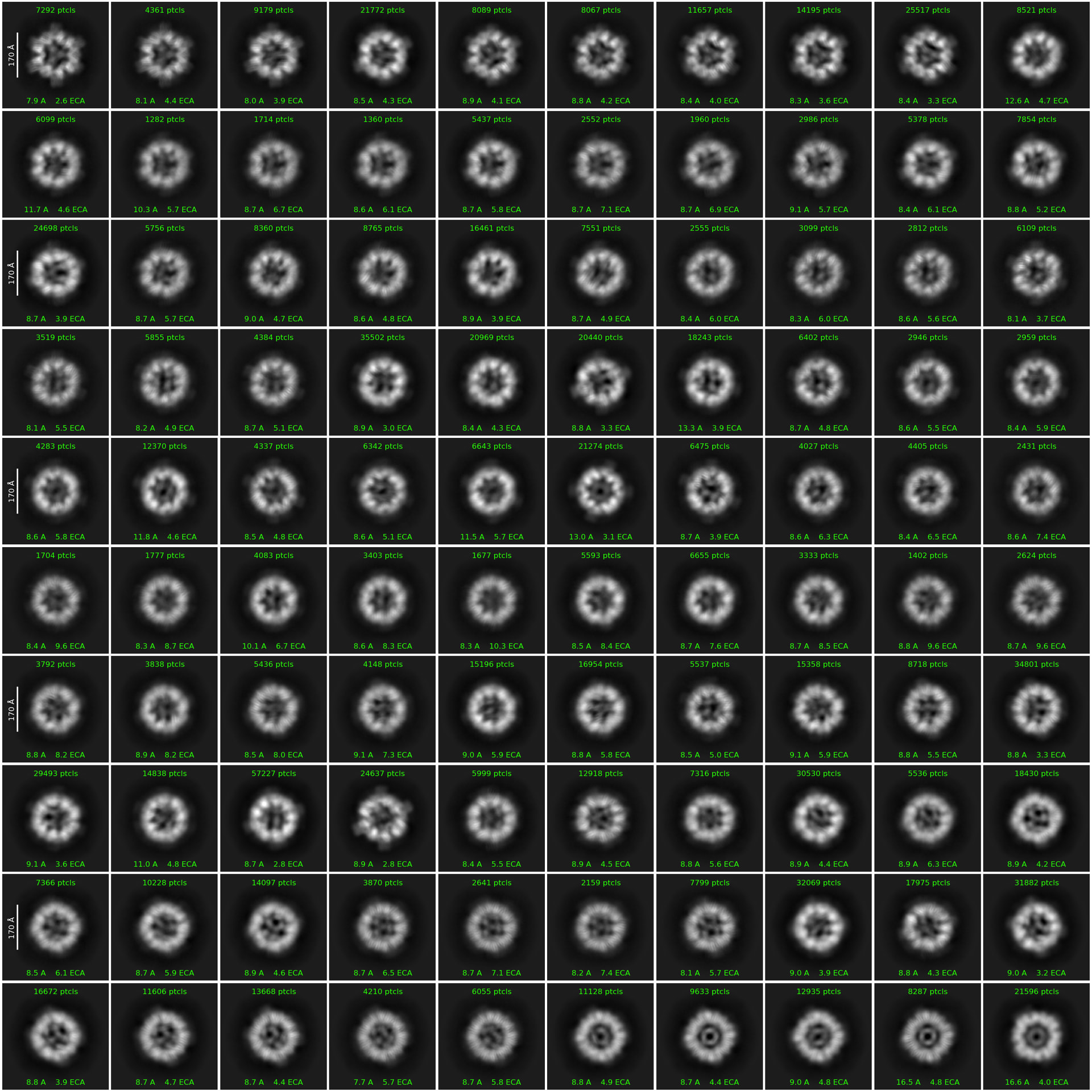
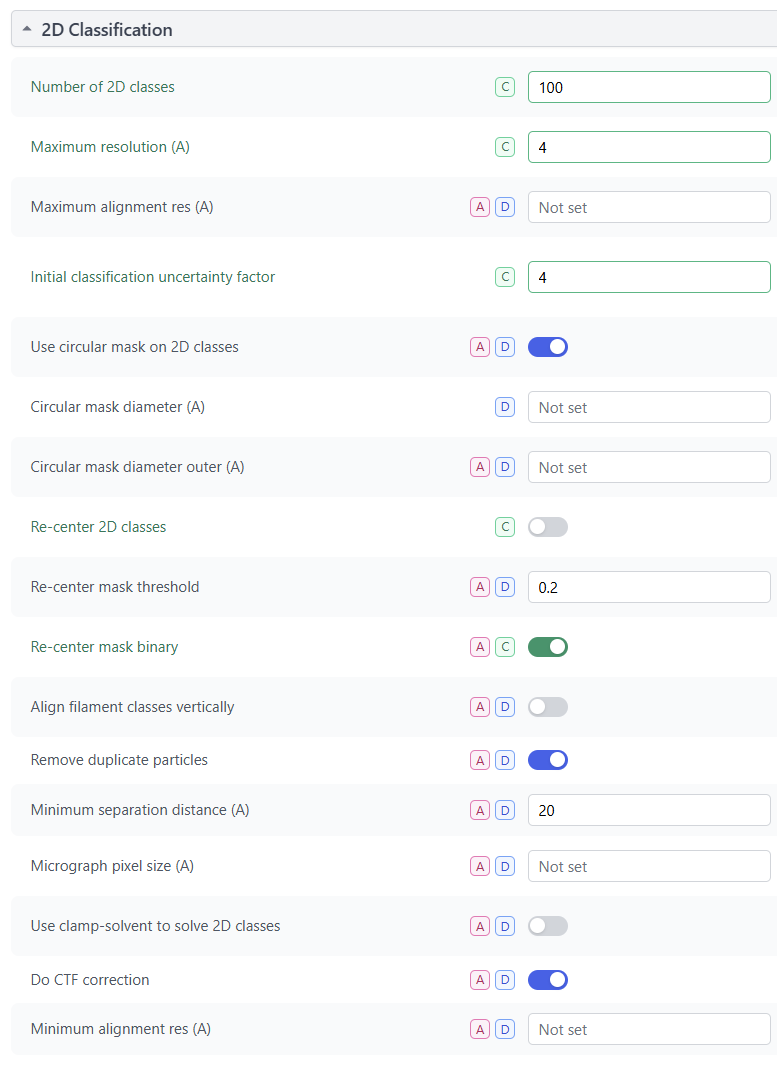
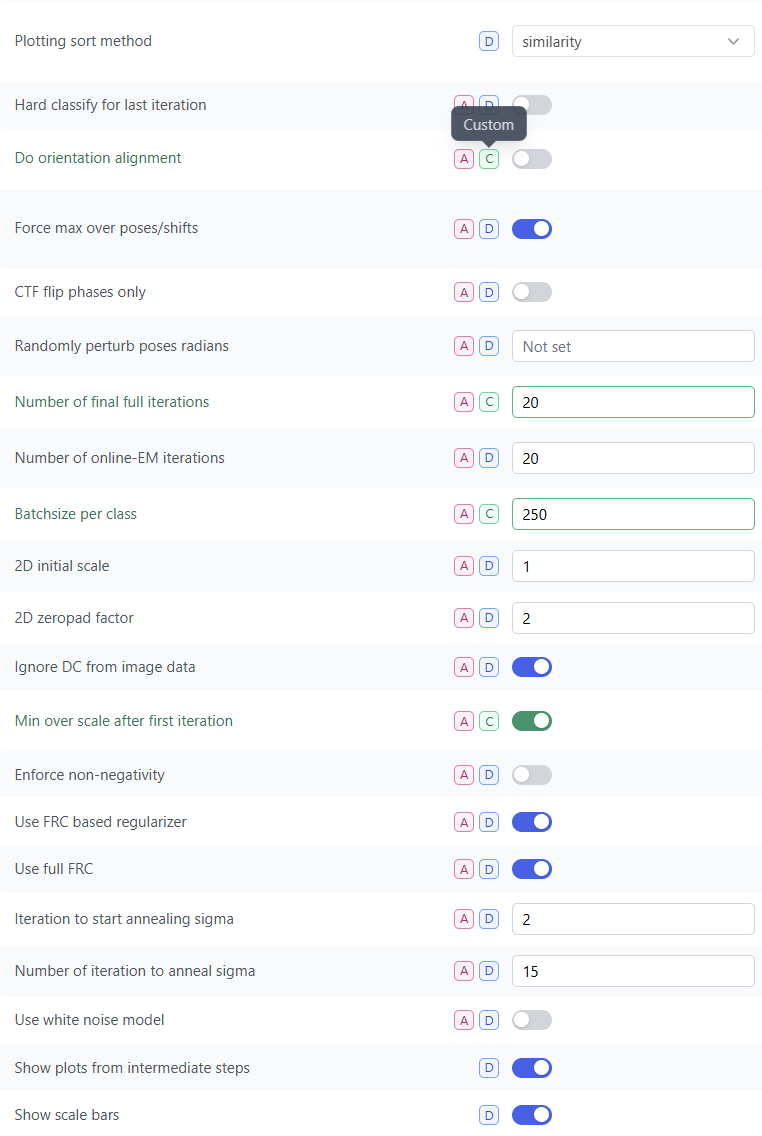
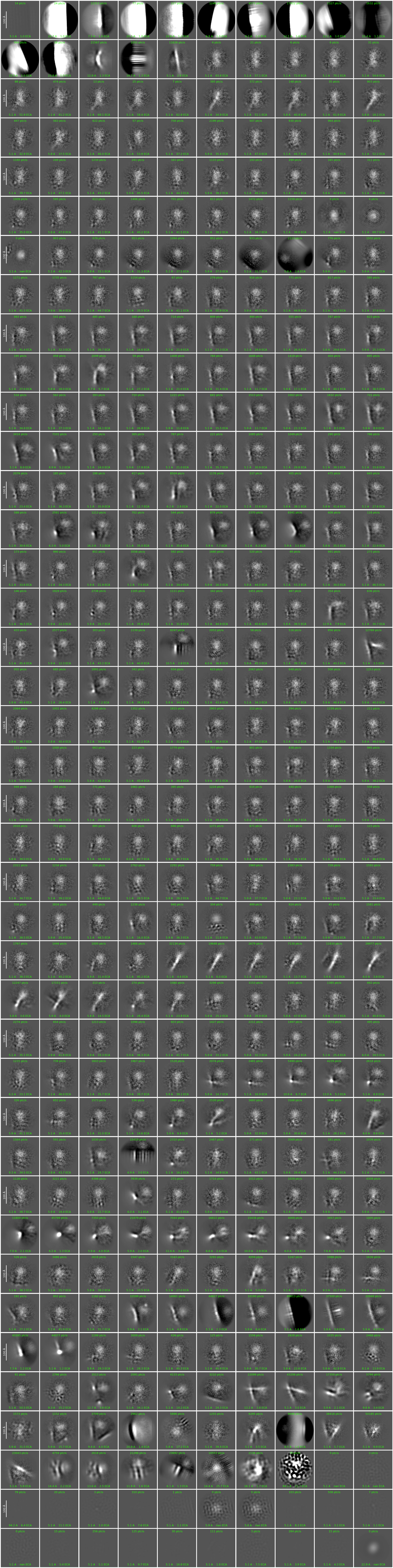
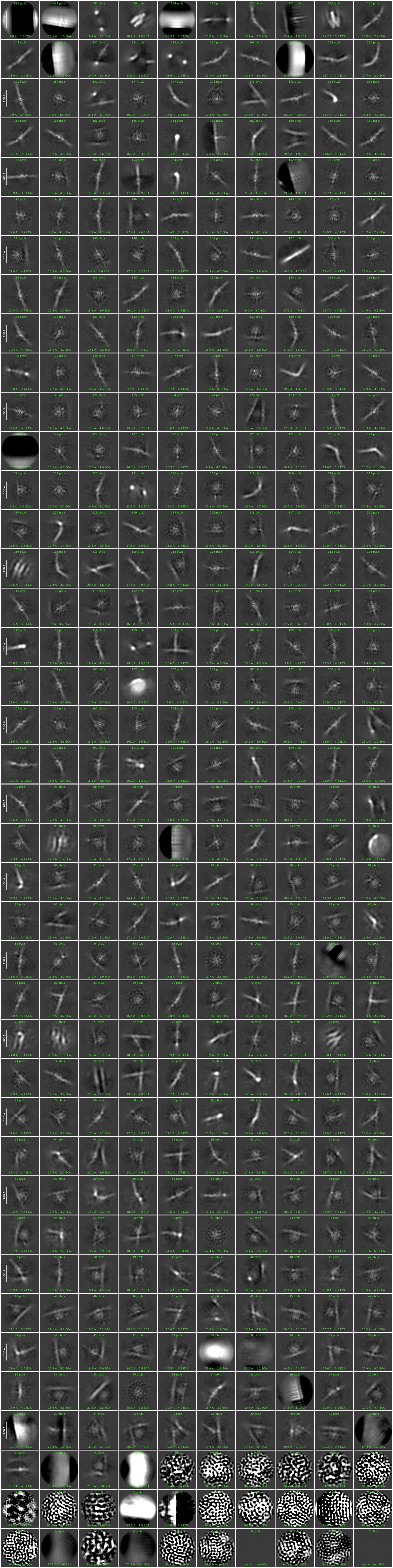
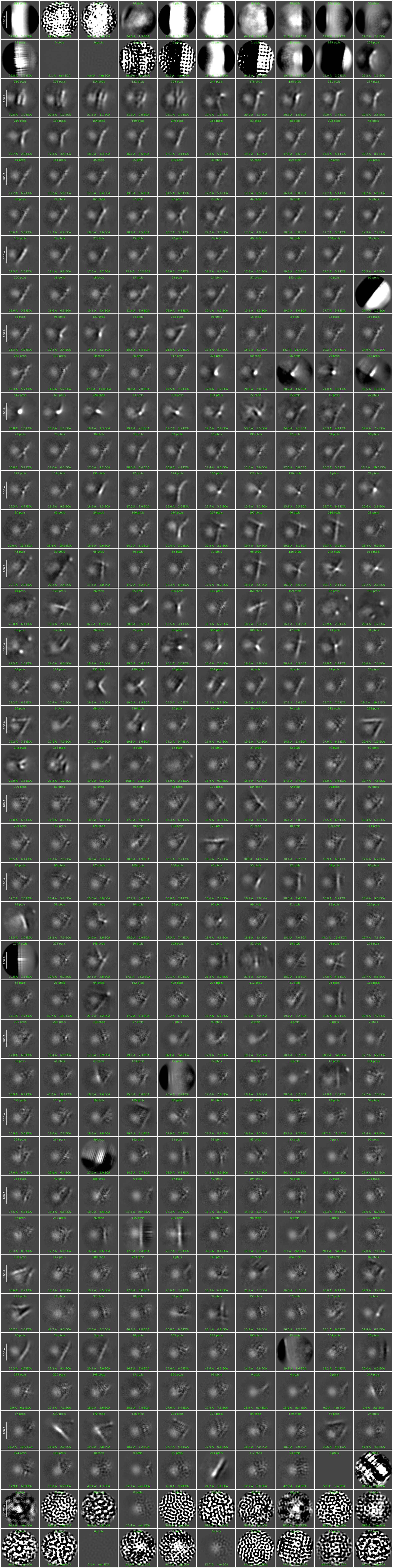
I’m encountering aberrant 2D classification behavior in v5.0.3 in that 2D classification seems to “reset“ at seemingly arbitrary iterations. I’ll provide a concrete example below:
Thanks @msleutel for your post. Please can you re-try 2D classification with Plotting sort method set to size and let us know whether the results match your expectation?
It is expected that Plotting sort method would automatically be set to size if Do orientation alignment is disabled. Do you recall setting Plotting sort method to similarity after disabling orientation alignment?
I can confirm that setting the Plotting sort method to “size“ produced results that match my expectation, thus solving the issue. I did indeed manually set the sort method so “similarity“.
This is a bit of a shame though, because I really like the sorting based on similarity as it gives a very clear overview of all the views present (and missing) in the dataset. One thing I’d like to do is generate a GIF based on the sorted 2D class averages, but I noticed that the 2D classes are organized via class index (?) in the .mrc files and so a straightforward conversion to GIF is not feasible.
@wtempel I also felt something is wrong with 2D classification in v5.0.2 which I am using. There were some nice 2D class averages for example in Iteration 17, then no good class averages at all in Iteration 18, 19 and final 20. BTW, I used the default “similarity” for Plotting sort method.
At iteration 18 it arranges them by similarity not by population size of class. You should be able To locate the same nice class(es) somewhere further down in the arrangement. Also, run 2D select which will (For now) rearrange them back to the way they were at iteration 17.
No. It did not work. As I mentioned, a few good class averages seen in Iteration 17 were completely gone in Iteration 19 and the final Iteration 20. Maybe I had too many junk particles from the LoG picking. When I used “size” for Plotting sort method in 2D classification for the same dataset, it worked well.
Some screenshots of iteration 17, and iterations 18 and 20 might help make the point.
I’ll admit that I find the sorting of classes more of a hindrance than a help. On data with “rare” views, I end up struggling to find them as they can get sorted into vaguely similar looking poor classes.
How big is the dataset? You might find it gets more robust/stable if you push up the number of iterations a bit.
Attached are 2D png files for Iterations 17, 18 and 20. The iteration number was included in the filename. I had about 1.4 million particles in this dataset and I have not tried more iterations yet becuase when I set “size” for Plotting sort method and it worked.
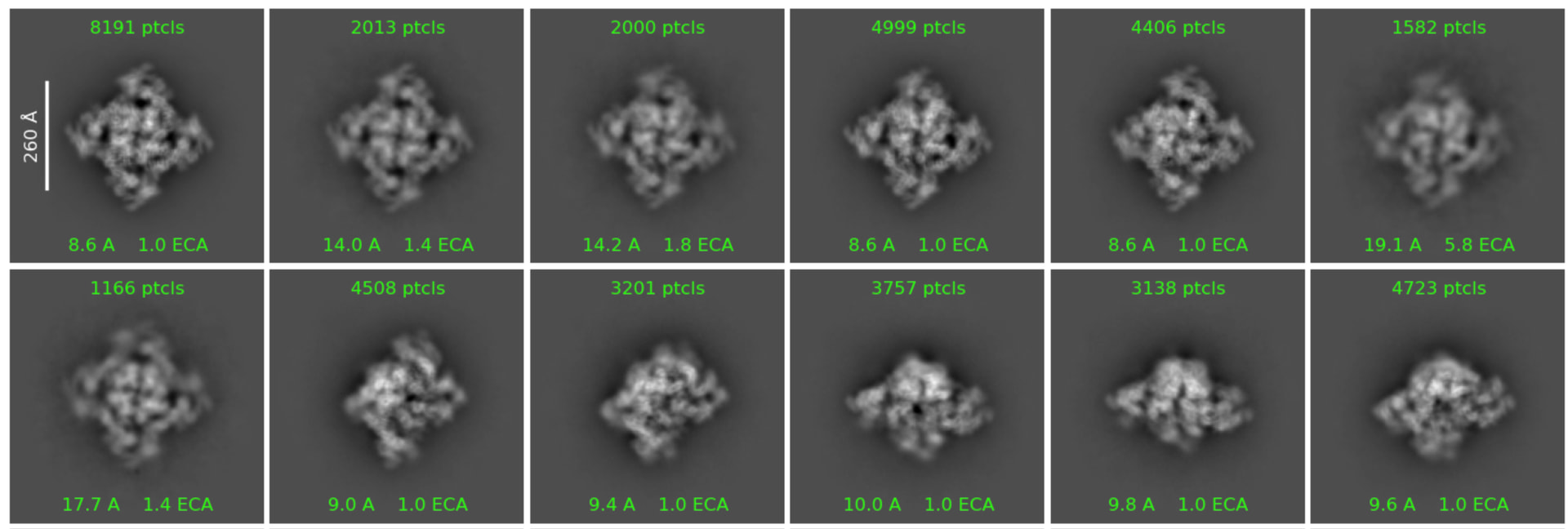
Thanks all for reporting. We have identified the issue causing discrepancies between the 4th and 3rd last iterations when Plotting sort method is set to similarity. The current behaviour of the similarity-based sort allows 2D classes to both translate and rotate when aligning to the others; the translation in particular is causing the issues here. See the following for an example using @donghuachen 's classes:
After similarity sort & realignment. Note classes are highly off-center, which does degrade class averages in the final three iterations. The apparent reduction in class contrast/quality from iteration 17 to 18 is also caused by this same pathology: many particles cannot successfully align to highly off-center classes due to how our translation search is done.
We are working on a fix that will prevent the similarity-based sort from translating the class densities at all, which is slated for release soon. For now, the workaround remains to set this parameter to size.
PS: Please note that, as a separate issue (i.e. reported by OP @msleutel), if performing Class 2D Without Alignment (i.e. setting the Do orientation alignment parameter to False), the Plotting sort method should not be set to similarity, as these two values are incompatible for a different reason. The job builder automatically switches the Plotting sort method back to size when Do orientation alignment is turned off, but as of v5.0.3 there is no guard preventing the Plotting sort method from being changed back to similarity.
I’ll admit that I find the sorting of classes more of a hindrance than a help. On data with “rare” views, I end up struggling to find them as they can get sorted into vaguely similar looking poor classes.
Very case dependent IMO - in cases where we have abundant good classes, it helps to choose between identically oriented (but differing in resolution) classes, in order to select the best set of particles for ab initio/hetero, or track back and identify differences in micrograph provenance (although will help more once it is available as a sorting method in select 2D) - but in other cases agree it is better turned off
It also aligns 20 classes of 1 view where we can see a few which lack a subunit or are more flexible etc, making it very easy to choose which to exclude (if it persisted to 2D selection job).
That said, the ability to set user/system specific defaults (and a way to quickly export custom parameters with user-friendly names - where “custom” means non-Structura value - for reporting on the forum or for methodology sections) would be an addition I’d really like to see to CryoSPARC. My default parameters for some job types (2D is a good example) are quite different to the default-defaults, and I’m developing muscle memory for the Tab-Numpad combination to change them, I do it so often.
In regards to Blueprints appearing in the right-click “quick actions” menu, Blueprints should appear in said menu by default for any job type that has Blueprints associated with it.
This can be controlled in the job builder options menu for the Blueprint (can be accessed by clicking the “triple-dot” button beside the Blueprint in the job builder). The “Pin” option is enabled by default when creating a Blueprint, which adds it to the Blueprints section near the bottom of the quick actions menu for that job type.
This is currently documented in the guide for Workflows, but not for Blueprints. We will add associated documentation for this feature for clarity and visibility.