The error message suggests that files inside the S1/gridfs_data/ subdirectory of the project directory are corrupted.
You may try:
-
Caution: The following procedure is outside standard CryoSPARC data management procedure. Please preserve a snapshot of the project directory’s current state before proceeding.
-
set aside a copy of
S1/gridfs_data/contents, then emptyS1/gridfs_data/. As a result, the contents ofS1/gridfs_data/will be missing from the database, but project attachment will not longer be blocked by a failed attempt to upload the presumably corrupt content. CryoSPARC Live sessionS1would be missing thumbnails and other images, but the session’s data may still be usable. -
attempt attachment of the project directory.
-
inspect the command_core log for signs of success or failure of the project attachment.
-
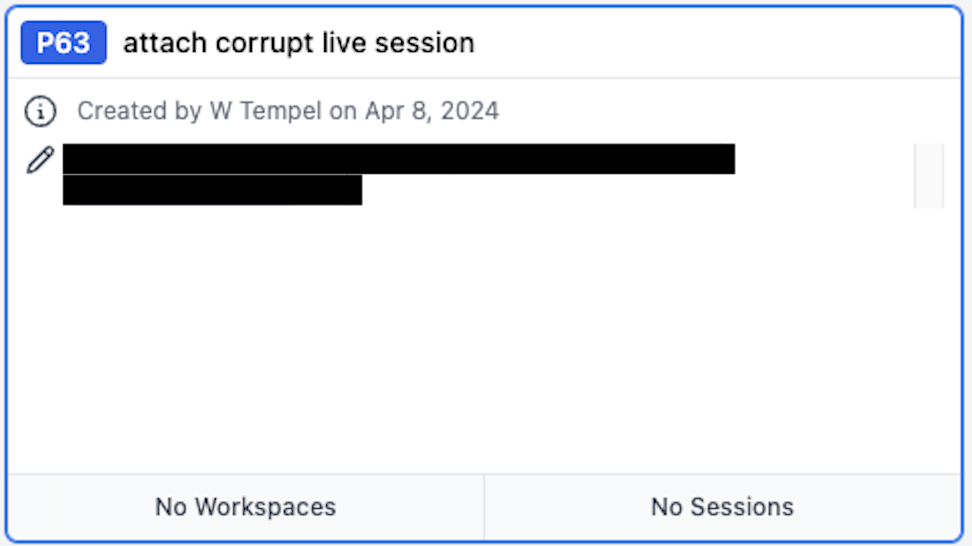
if project attachment succeeded, but the corresponding project card at the
/browse/P*URL of the CryoSPARC web app shows No Sessions and/or No Workspaces,
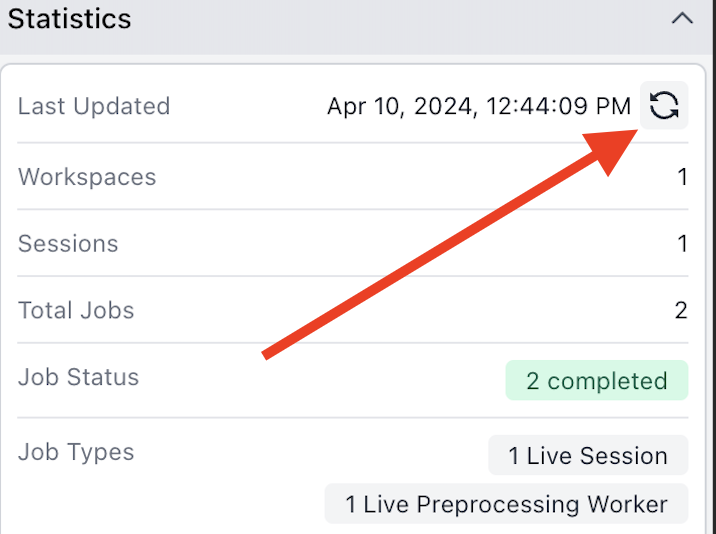
try updating the projects Statistics in the right-hand sidebar.
Does this help?